RS485 devices are everywhere, but remote diagnosis is still hard.
Many equipment manufacturers already have RS485 or Modbus data inside their products — but every device has a different register map, different fault codes, different scaling factors, and different status words.
Traditional DTUs only forward data. They do not understand what the data means, so engineers still have to hand-write protocol parsers, dashboards, fault-code explanations, and diagnosis tools. When exported equipment fails, customers send vague descriptions, photos, or videos — the factory cannot see real device data clearly, and after-sales support becomes slow, expensive, and unreliable.
Every device has a different register map
DTUs forward bytes, not meaning
Custom backend parsing for each product
Fault codes are undocumented to support teams
Overseas failures reported as vague messages
After-sales cost keeps growing
The Solution
AxLink turns RS485 protocols into AI-readable device data.
With AxLink, you upload the device's RS485 / Modbus protocol. Ax2Any helps generate a structured device profile and data template. After you confirm it, the template is remotely deployed to AxLink. AxLink reads the device automatically and sends structured data to Ax2Any Cloud. AxHelper then uses the device data, fault codes, history, and product context to provide AI-assisted diagnosis.
AI-configurable RS485 / Modbus gatewayProtocol-to-AI workflowRemote template deploymentStructured telemetryNo custom firmware per deviceBuilt for power & energy equipment
Upload the protocol. Confirm the template. Start remote AI diagnosis.
How It Works
From protocol document to AI diagnosis.
Protocol Document→AI Device Profile→AxLink Template→RS485 Device Data→AxHelper AI Diagnosis
1
Upload Protocol
RS485 / Modbus register map, fault-code table, product manual, or service document.
2
AI Builds Device Profile
Ax2Any extracts fields, units, scaling factors, status bits, fault codes, and normal ranges.
3
Customer Confirms
The manufacturer verifies the generated template before deployment.
4
Deploy to AxLink
The signed template is remotely sent to AxLink.
5
Read Device Data
AxLink polls the device through RS485 and uploads structured telemetry.
6
AI Diagnosis
AxHelper explains faults, suggests checks, and helps after-sales teams respond faster.
Product & Application
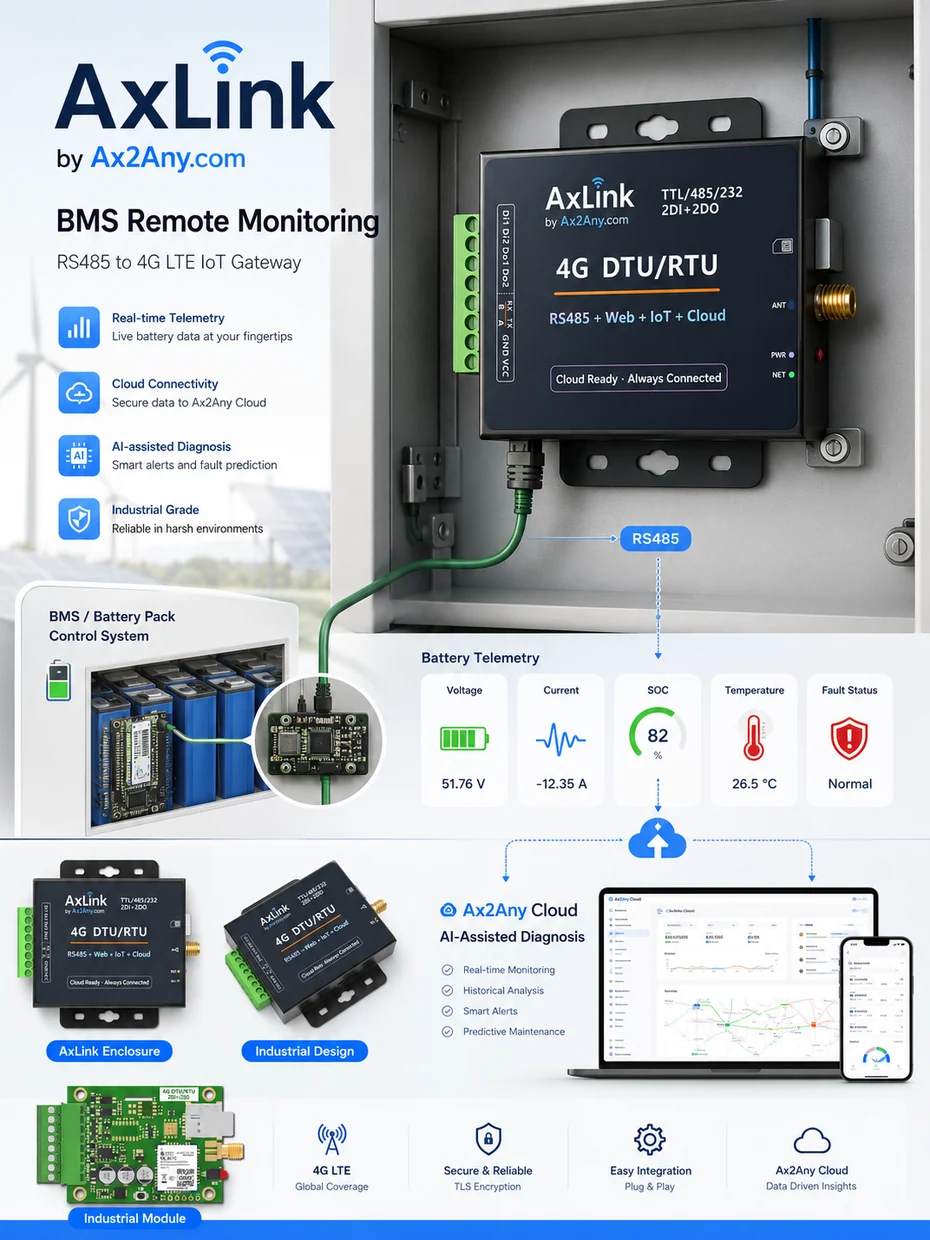
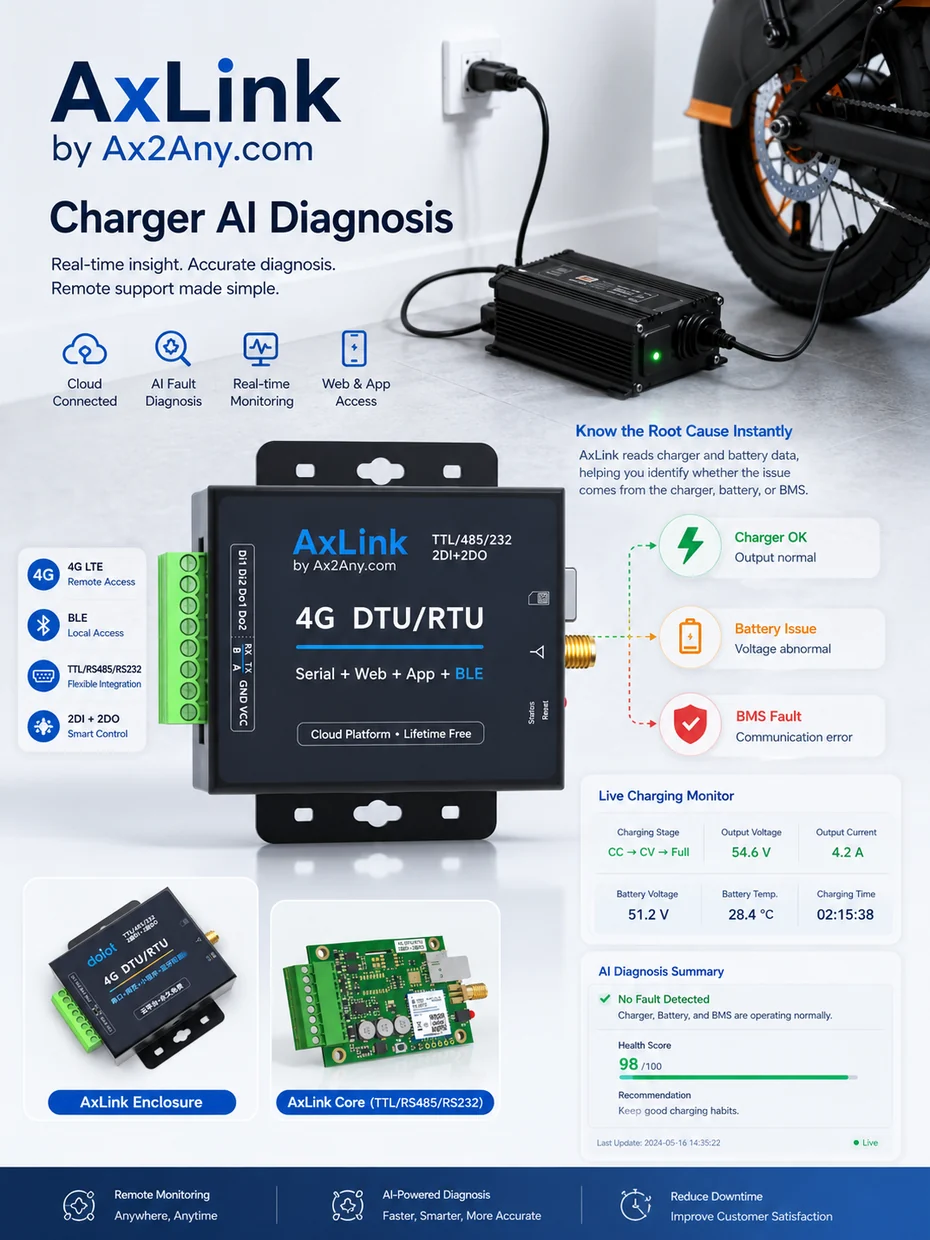
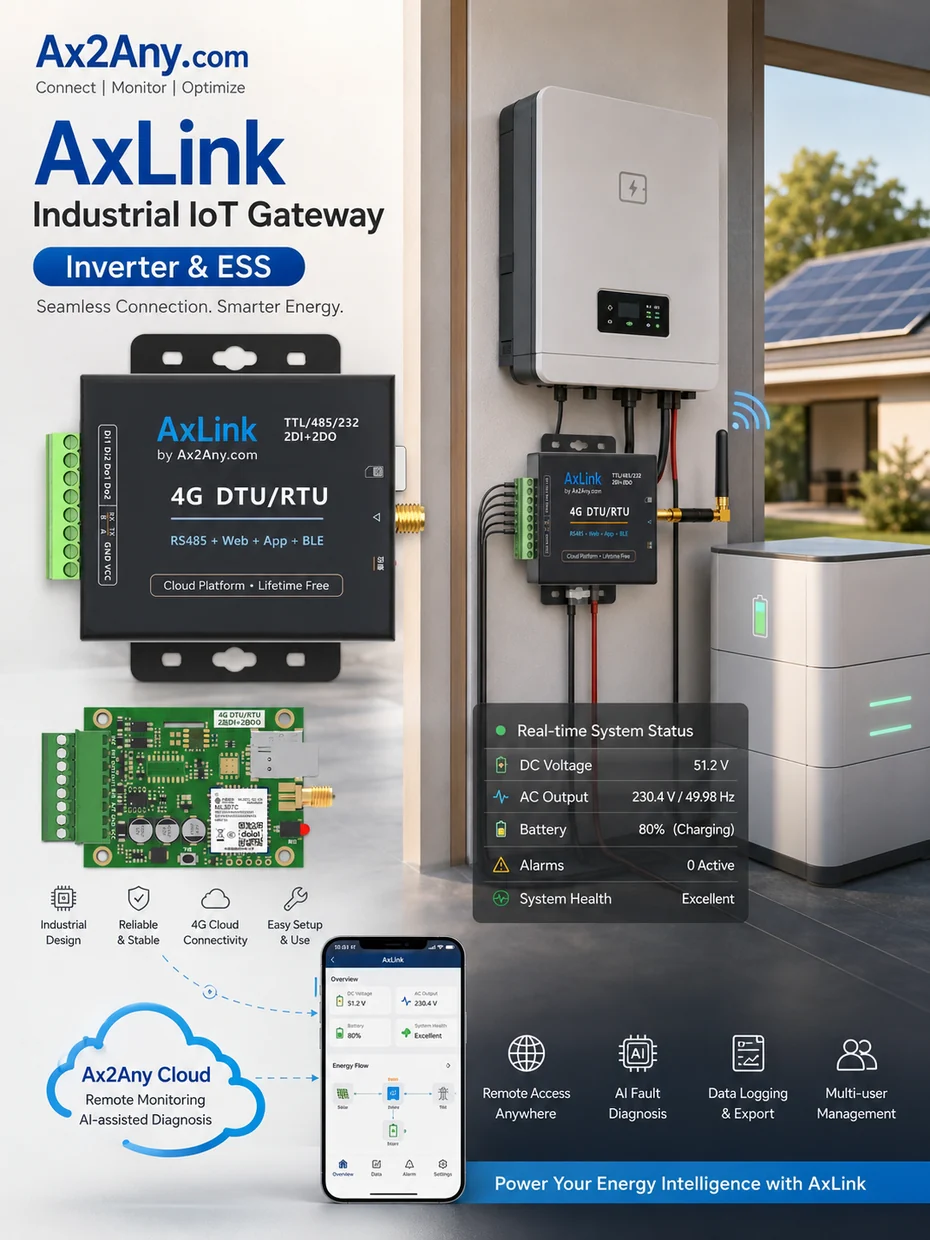
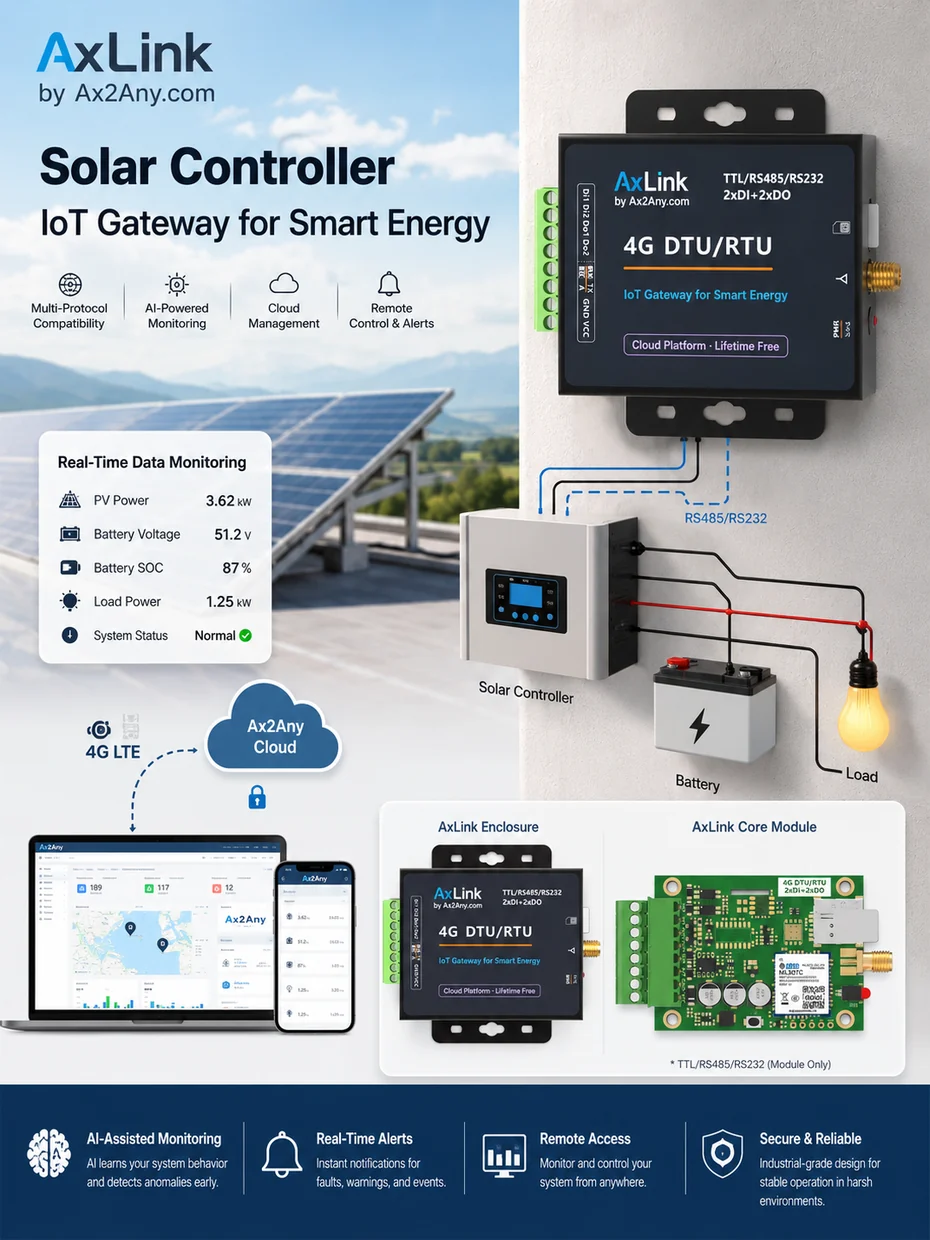
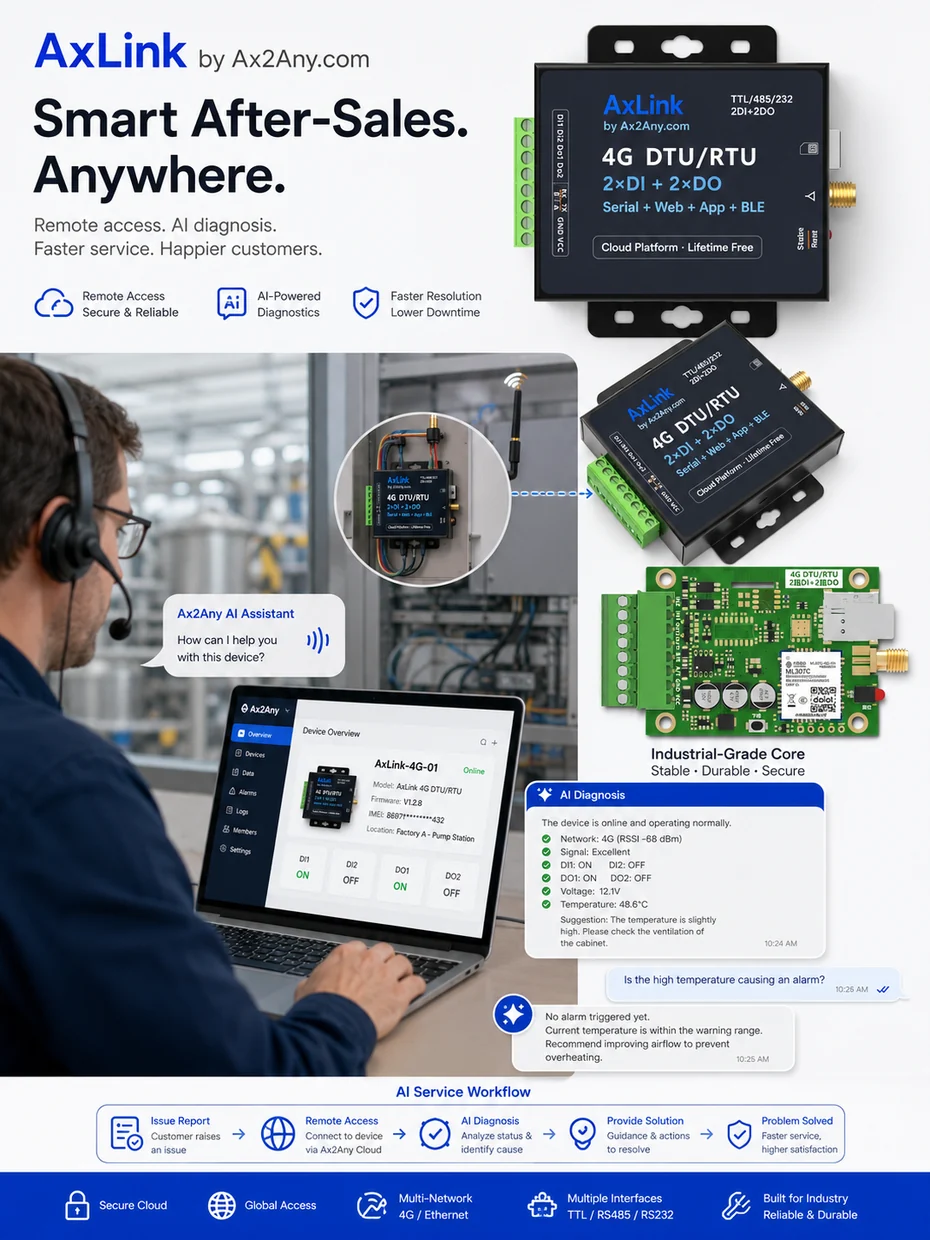
AxLink Product and Application Views
See how AxLink connects RS485 / Modbus equipment to Ax2Any Cloud for remote monitoring, AI-assisted diagnosis, and smarter after-sales service.
AxHelper uses device data, protocol context, fault codes, historical trends, and product documents to help engineers understand what may be wrong.
Why is this battery not charging?What does this fault code mean?Is this more likely a charger issue or a battery issue?Can this device continue running?What should the service engineer check first?
AxHelper — AI-assisted output
Possible issue: BMS charge protection is active.
Reason: The battery reports high cell voltage difference and charge is disabled.
Suggested action: Check max/min cell voltage, balance status, temperature, and recent charging history.
AxHelper does not replace engineers. It gives engineers real device data and AI-assisted explanations.
Illustrative example with generic sample data. Not real customer or production data.
Help support teams diagnose equipment remotely using real data, product context, and AI interaction.
RS485 Device → AxLink → Ax2Any Cloud → AxHelper AI → Service Action
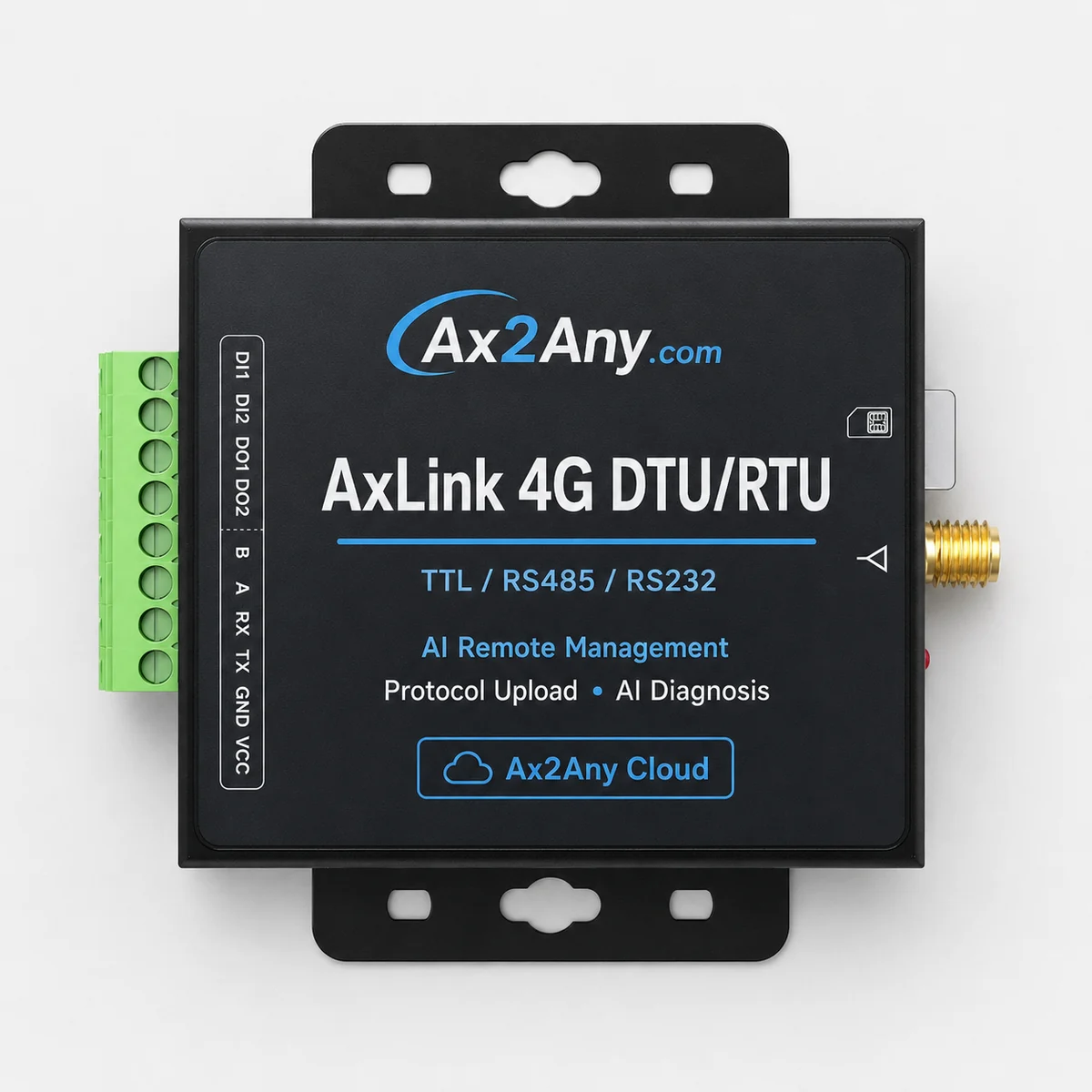
Product and application images are for concept and application illustration. Final hardware configuration may vary by version.
Comparison
AxLink is more than a DTU.
Capability
Normal DTU
AxLink
Serial data
Forwards serial data
Understands RS485 / Modbus through templates
Protocol understanding
Does not understand device protocol
Device profile generation
Backend work
Requires custom backend parsing
Structured telemetry out of the box
Template update
No remote protocol template
Remote template update
AI diagnosis
No AI diagnosis
AI diagnosis, text and voice interaction
Service workflow
Limited service workflow
Built for after-sales service
Plans
Start small. Scale by device.
Simple, device-based plans. Talk to us to find the right fit for your fleet.
Free
Evaluate
3 devices
Basic testing
Limited AI diagnosis
Pilot
Validate a product line
Up to 20 devices
One protocol template
AI diagnosis
Annual package
Standard
Production
Up to 100 devices
AI diagnosis
Remote template update
Device dashboard
Growth
Scale
Up to 1,000 devices
More templates
More users
Priority support
Turn your RS485 device into an AI-managed device.
Send us your RS485 / Modbus protocol, register map, or fault-code table. We can help generate an AxLink template and connect your equipment to AI-assisted remote management.